The First Job on a Desktop Pick and Place: 91 Minutes, Step by Step

The Opulo documentation calls the first board a printer test page, and after running one I think that is the right frame. Before your own design goes on the plate, you run the board the machine shipped with, so that a part landing in the wrong place points at the machine and not at your CAD export. I ran a stopwatch on our first one: 91 minutes from a bare staging plate to five 0603 resistors placed.

Why the first job should not be your board
A personal design stacks its own variables on top of whatever the machine is doing: board origin, rotation, position file formatting, layer alignment, part library definitions. When something lands crooked you cannot tell which of those five to look at. The test board arrives with the physical PCB, the board file, the position file and the components, so a bad placement narrows to one suspect.
A pre-built machine shortens the front of this process considerably. Our Vertex 4 arrives assembled and calibrated for $1,499, with a 500 × 400 mm work area and 50 feeder slots, so the log below starts at the staging plate rather than a week of frame assembly and steps-per-millimetre work. If you are calibrating from scratch, the calibration walkthrough covers what comes before this page.
Mounting the test board
The mounting hardware goes into four named holes on the staging plate: the static board mount diagonally in B26, a dynamic board mount vertically in D26, another horizontally in B28, and the board support in E29. Four strips of double-sided tape across the middle of the board, between the two white lines, staying clear of the fiducials.
The tape is doing a job that surprised me on the first read: it holds the components without solder paste. A misplaced part costs you a resistor, not a board, which is what makes it safe to step through placements one at a time later.
Twelve minutes for this section, most of it spent finding the right screws and getting the board to sit without wiggle. It should be snug against both mounts once tightened, with the only flex coming from the tab on the dynamic mount.
The placement file and the field that matters
The position data comes from ftp-top.pos on the LumenPnP releases page. Create a new board in the Boards tab, save it as ftp.board.xml, then File > Import Placements > KiCAD .pos with Assign Parts and Create Missing Parts ticked.
One field has to change afterwards. In the Parts tab, R_0603_1608_Metric-R_Small ships with a height of 0.0, and it needs to be 0.5 mm. Leave it at zero and the first pick stops with an Effective Safe Z Coordinate error, which reads like a motion fault and is really a missing part height. Eight minutes here, and five of them were me re-reading that error message.
Loading the N045 tip
The resistors want the N045 on nozzle N1, the one with the red tubing. A little SuperLube on the brass holder, wiped so nothing is left sitting on the surface, then the tip slides on with a twist to spread the grease around the O-rings. If you came straight from calibrating you may still have the N08 tip loaded, and it goes back in its box for this test.
Two checkboxes matter. The tip itself gets Compatible and Loaded? on the N045 row, and every package used in the job needs the same Compatible mark on its own nozzle tips tab. Miss the second one and OpenPnP refuses the pick with an error that names neither the package nor the tip. Seven minutes, and the tip swap notes explain why the recalibration that follows the swap is not optional.
Board origin, board Z and the fiducial scan
This was the longest row in the log at fifteen minutes. Three placements, FID1, FID2 and FID3, are listed as ordinary placements on import and have to be switched to type Fiducial. Sort the placements table by part to find them.
Home the machine first, with the nozzles level. A nozzle sitting lower than the other is the quick route to driving a tip into the datum board. Then the origin: jog the top camera until the crosshair sits on the bottom-left corner of the PCB and press Capture Camera Position. The board height comes next, and this one is done by feel. Lower N1 until it just touches the top surface of the board, read the Z value out of the status bar, and type it into the board's Z position field. Park the head before moving on.
Then Fiducial Scan. The machine visits each marker, finds its centre, and corrects the rotation it inherited from however the board was sitting. The check is quick and worth doing every time: pick any placement in the table and jog the camera to it. If the centre of the frame sits on the footprint, the scan worked. Our homing fiducial page covers the failure mode where the detection pipeline finds nothing and the machine parks without its usual pause over the marker instead of raising an error.
The feeder: mounting, tape and offsets
The 8mm strip feeder goes on the staging plate aligned with columns 14, 15 and 16, held down by two M3 × 10 mm super flat head screws and wingnuts in holes A15 and G15. The resistor tape sits in the left-most track with the sprocket holes on the left, and the clear cover tape stays on until the first pick test.
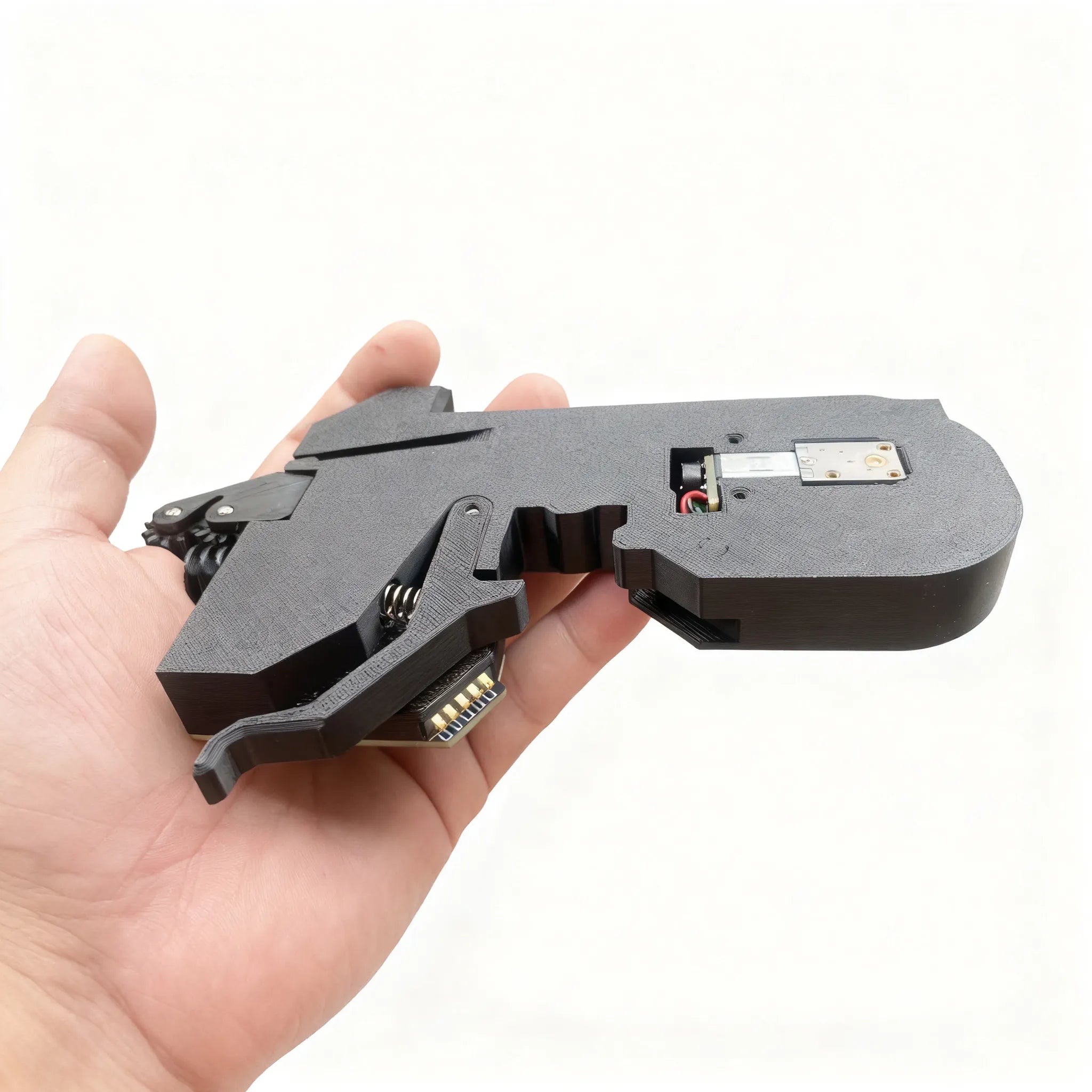
In OpenPnP the feeder is added as a ReferenceTrayFeeder, which looks wrong for a strip of tape and is what the walkthrough specifies. The settings are a starting point rather than a measurement: the part is R_0603_1608Metric-R_Small, the Y offset is -4 to match the 4 mm spacing between components, the tray count is 30, and the first pick location is entered as X 130, Y 205, Z 20.
Then the part that took me two attempts. Position Camera moves the head roughly over the feeder, and the crosshair has to end up on the centre of the pocket in the top-most slot, not on the resistor sitting inside it. The nozzle picks from the pocket. Capture Camera Location stores that XY, then Position Nozzle and jog Z down until the tip touches the plastic tape cover, and Capture Nozzle stores the height.
The pick-height loop
Cover tape off, press Pick. If the part does not come up, the procedure is lower the feeder Z by 0.1 mm, press Apply, home the machine, and pick again. My first touch-off was 0.4 mm too high, so four rounds. Each round spends a home cycle, which is where this row's fourteen minutes went, and it is the only part of the first job where the clock runs that way.
Once a part comes up cleanly, Recycle in the Special tab puts it back where it came from. Twelve minutes on the feeder offsets plus this loop's fourteen, and none of it wasted: those numbers are saved to the configuration, so the same reel reloaded into the same slot starts from values that already worked. The feeder overview has the slot count and tape-width rules for when you add more reels than the test job needs.
Bottom vision, then the run
Select the feeder, press Feed and pick, then the Parts tab and Test Alignment. The bottom camera should draw a tight red rectangle around the component and drop it once the check finishes. A rectangle that clips a corner or misses the part means the part identification pipeline needs attention before the job runs, not after.
One difference between the documentation versions is worth knowing. The older v4 walkthrough recycles the part after the vision check, and the v4.1 validation page discards it. Either works, and the only thing that changes is whether you get the resistor back.
Then the job itself. Check Fids? stays ticked, press Play, wait for the fiducial check to finish, and press Pause. From there the yellow Single job step button walks the job one placement at a time: pick, align against the bottom camera, place. Five parts took eight minutes at that pace, which is slow on purpose. Loading tape covers what changes when you swap the manual strip feeder for a powered one and get the tape handling out of the loop.
One warning on that page shapes the rest of the process. The steppers de-power after sitting idle and lose their position, so the machine gets homed before every job, not just the first one. Our FAQ lists the other signs of a machine that needs rehoming rather than recalibration.
Reading the log
Sixty-five of the ninety-one minutes is board and feeder work: mounting, importing, the origin and fiducial scan, the offsets, and the step-through. That part comes back on every new board, though not at full price, since a feeder that stays mounted keeps its offsets. The remaining twenty-six is the once-only pass, three rows of tip and package tags, the pick-height loop, and the vision check, and none of it recurs on the second board.
The board origin and the fiducial scan are the two rows worth repeating carefully. An origin set by eye, and a scan that quietly fell back to the limit switches, produce the same symptom: a board's worth of parts landing consistently off. The camera-jog check finds either one in under a minute. The second board reuses the pick point, the tray count and the loaded tape, so its log starts somewhere past the halfway mark.